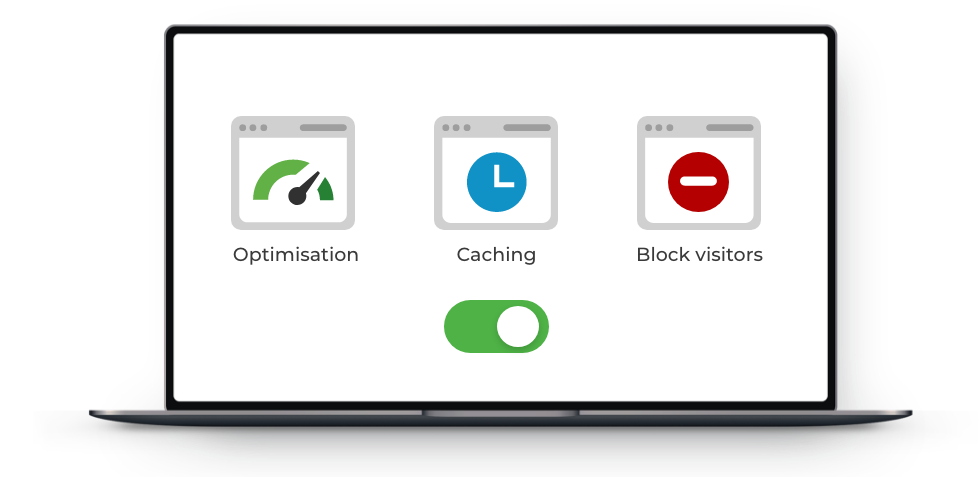
How do I use RabHost CDN?

CDN features

RabHost’s CDN is quick and easy to use.

Login your control panel and locate the CDN section. 
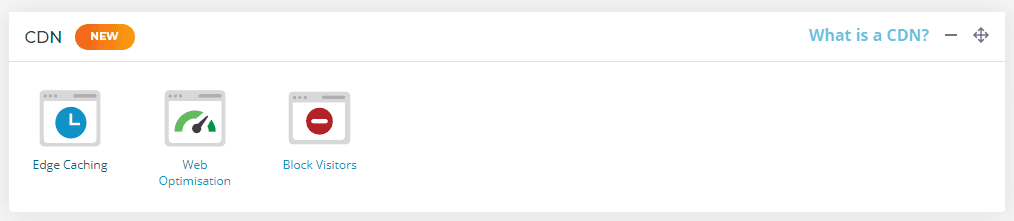
CDN block

To activate the main Edge Caching element of the CDN, select Edge Caching - select the toggle to activate it (Manage Hosting -> Manage -> Edge Caching).
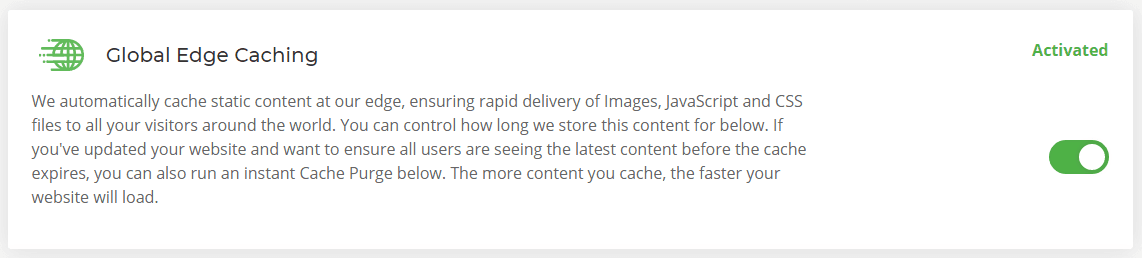
Global edge caching

There’s nothing more you need to do! All static content on your website will now be cached automatically and served from the CDN node closest to its location.


Purge Cache

To purge the cache that's stored at the CDN node head to the Edge Caching section and select the Purge Everything button. 

Purge cache

  • 41 Bu dökümanı faydalı bulan kullanıcılar:
Bu cevap yeterince yardımcı oldu mu?

İlgili diğer dökümanlar

What is the Website Acceleration Suite?

RabHost’s CDN powers-up your websites further by feeding them through our Website Acceleration...

How is SEO affected by RabHost CDN?

  Overview With RabHost’s CDN, you’ll get a Website Acceleration Suite which gives you...

CDN Security Headers

Using HTTP security headers can improve website and application security and protect against...

Why am I getting a cache MISS?

Headers returning x-cdn-cache-status MISS indicate the request was served by the origin RabHost...

What is RabHost CDN?

The RabHost CDN is a powerful content distribution network (or content delivery network) that...